
Smart Home Technology for a More Connected Living Space
A more connected home is not simply a space filled with devices. It is a living environment where lighting, security, convenience, and everyday routines work together more intelligently.
Discover how thoughtful smart home upgrades can help create a space that feels more comfortable, responsive, organized, and effortless to manage.
Explore the Guide ↗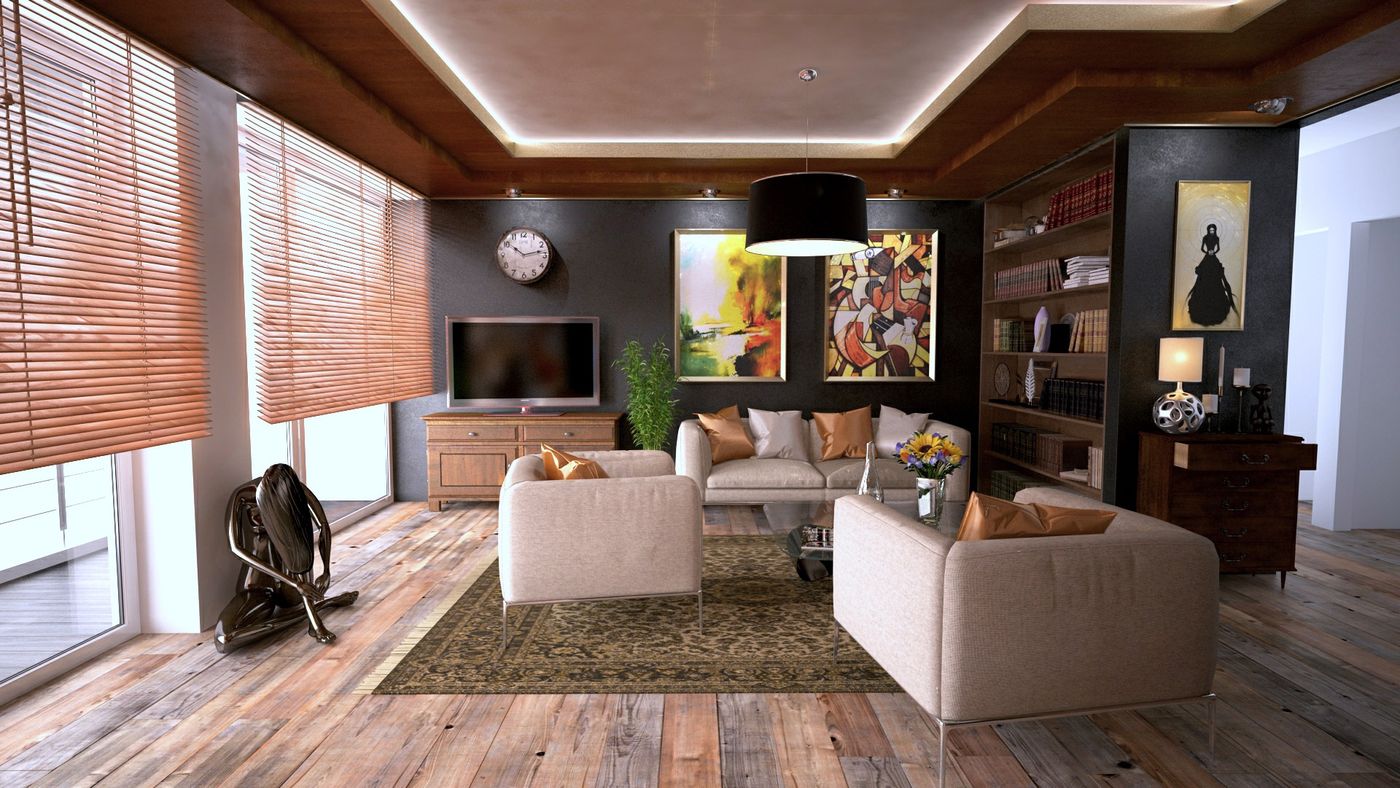
What Makes a Home Feel Connected?
A connected home uses compatible devices and network technology to make everyday household functions easier to monitor, control, and coordinate. Smart lighting can respond to schedules. Connected plugs can manage power to suitable appliances. Cameras and sensors can provide useful information about activity around the home.
These improvements do not require a complete renovation or an expensive automation system. Many people begin with one simple upgrade, learn how it works, and gradually expand their setup based on what genuinely improves daily life.
The most effective approach is to think about your routines first. Consider where you spend time, which activities feel repetitive, and where additional visibility or control would be useful. Technology should support those needs rather than complicate them.
Smart Ideas for Every Space
A connected living environment can evolve one room at a time. Start where technology will have the clearest practical benefit.
Living Room
Set the atmosphere with adjustable lighting, simplify compatible device control, and create a comfortable space for relaxing or entertaining.
Explore Lighting →Home Office
Keep your workstation organized with practical connectivity, controlled lighting, and thoughtfully arranged charging accessories.
Explore Connectivity →Bedroom
Use gentle lighting schedules, convenient bedside charging, and simple controls to support more comfortable evening routines.
Explore Routines →Entryway
Explore compatible cameras, motion sensors, and alerts that help you stay informed about activity near entrances.
Explore Security →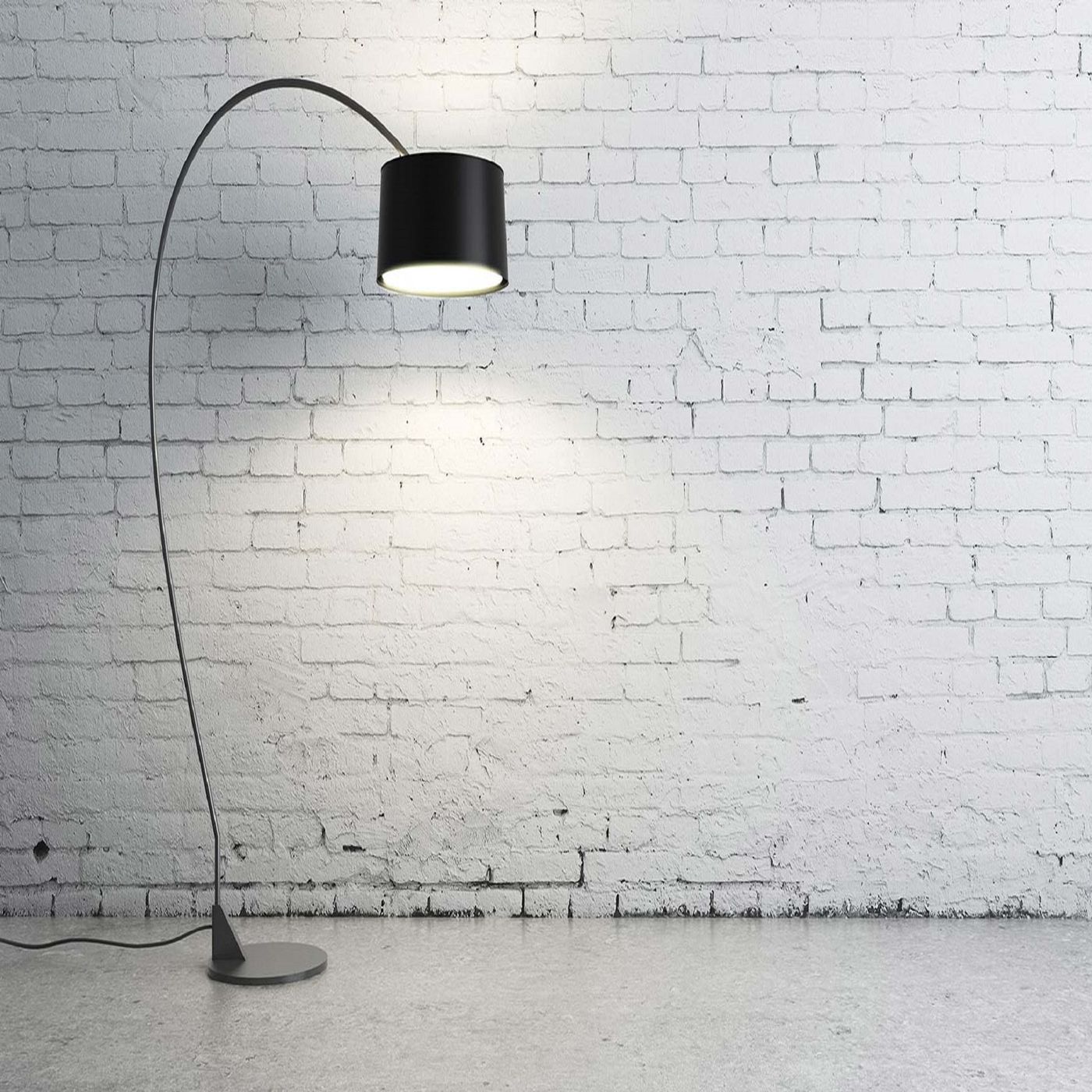
Lighting That Fits Your Mood
Lighting is one of the easiest ways to change how a room feels. Bright, neutral lighting may suit focused work, while warmer, softer illumination can make an evening environment feel more relaxed.
Smart LED lights and light strips can add convenient control over brightness, color, and scheduling, depending on the product. When thoughtfully placed, they can improve both the appearance and functionality of a living space.
Create Lighting Scenes
Set up different lighting preferences for reading, working, watching movies, or relaxing.
Use Scheduled Lighting
Compatible lights can be configured to switch on or off at selected times through supported apps or controllers.
Add Subtle Accent Light
Light strips behind furniture, shelving, or displays can create depth without overwhelming the room.
Check Device Compatibility
Review the required app, connectivity standard, power supply, and supported control features before purchasing.
Make Power Management Simpler
Smart plugs and power controls offer a practical entry point into home automation. Depending on the model, they can allow compatible appliances to be switched on or off through an app, scheduled in advance, or included in a broader routine.
This can be especially useful for suitable lamps, decorative lighting, and other devices that safely support plug-based power switching.
Manage Selected Devices
Control supported appliances without having to reach behind furniture or access inconvenient wall sockets.
Build Helpful Schedules
Set suitable devices to operate at chosen times, provided the plug and connected appliance support that use.
Understand Power Ratings
Always check voltage, current, and maximum load ratings. Never exceed the plug's specifications.
Prioritize Electrical Safety
Avoid using smart plugs with unsuitable high-power or heat-producing appliances, and follow manufacturer instructions.


A More Informed Home
Smart cameras and sensors can help residents stay informed about selected areas of their property. Depending on the product, features may include live video, motion notifications, event recordings, or alerts from compatible detectors.
These tools can add useful visibility, but they should complement—not replace—appropriate physical security measures, safe household practices, and professionally installed safety systems where required.
Consider visibility, power access, weather exposure, privacy, and local recording laws before installation.
Where supported, adjust detection zones and sensitivity to reduce unnecessary notifications.
Use strong unique passwords, enable multifactor authentication where available, and install security updates.
Review each detector's intended purpose and certifications. Consumer sensors are not substitutes for required certified life-safety alarms.
Connection Makes It Work
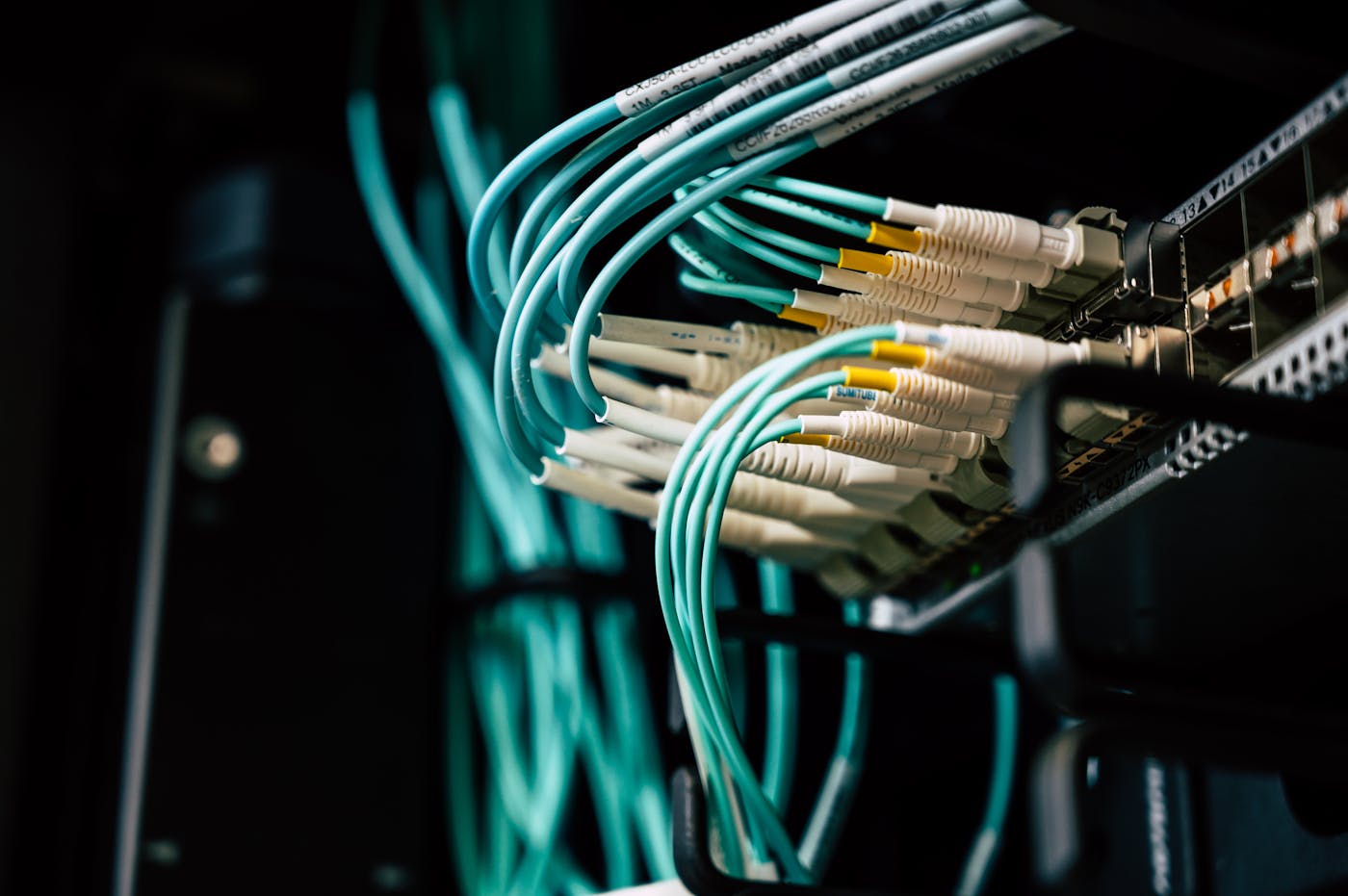
A smart home depends on more than individual devices. Network coverage, compatible platforms, secure accounts, and reliable power all contribute to a smooth experience.
Before expanding your setup, make sure you understand how each device connects and whether it requires a dedicated hub, a specific wireless frequency, or a particular ecosystem.
Check signal strength in the rooms where devices will operate. Some products require a 2.4 GHz Wi-Fi network.
Confirm compatibility with the apps, hubs, voice assistants, or standards you intend to use.
Keep firmware and companion apps current to receive supported improvements and security fixes.
Use modern router security settings and strong credentials, and review device permissions regularly.
Start Small, Build Intentionally
You do not need to automate every room at once. A gradual approach makes it easier to understand what works and avoid unnecessary purchases.
Identify a Real Need
Begin with a practical goal, such as improving evening lighting, managing a suitable device, or monitoring an entrance.
Check Compatibility
Review network requirements, supported platforms, electrical specifications, and installation instructions before buying.
Test One Routine
Set up a simple schedule or control feature and use it consistently before introducing more automation.
Expand With Purpose
Add devices only when they provide a clear improvement in comfort, convenience, awareness, or usability.
Technology Around Your Routine
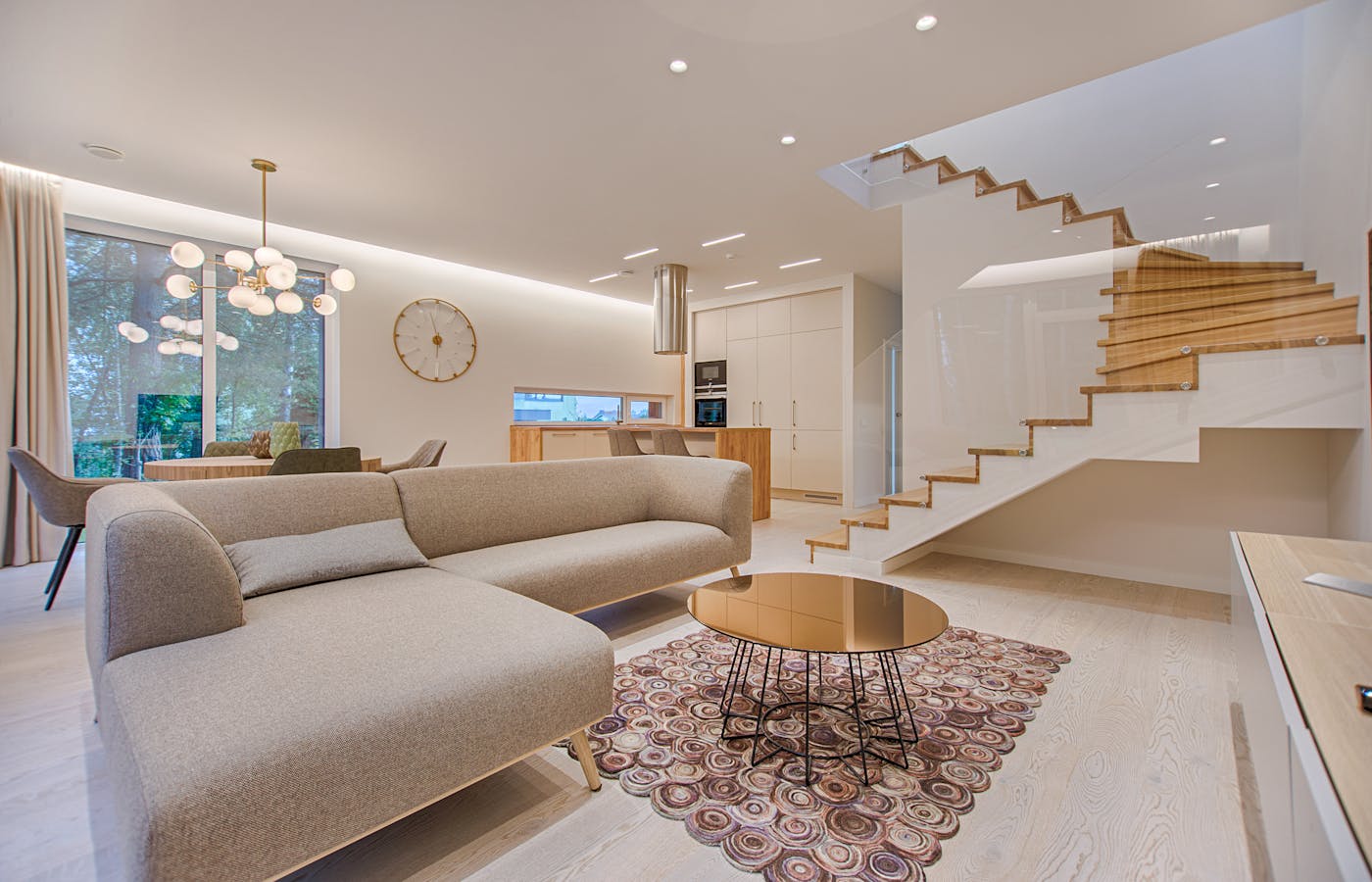
Smart home technology becomes most valuable when it supports the natural rhythm of the day. Rather than creating complicated automation rules, focus on a few predictable moments when convenience matters.
A Comfortable Start
Use compatible lighting schedules to establish a preferred morning atmosphere.
A Focused Environment
Adjust lighting and organize connected workstation accessories for productive sessions.
A Relaxed Transition
Switch to softer lighting and simplify control of suitable entertainment-area devices.
A Thoughtful Wind-Down
Review appropriate device status, configure useful alerts, and keep essential safety systems independent and functional.
Smart Home Questions Answered
A few important considerations can make choosing and using connected devices easier, especially when you are building your first setup.
Do I need a hub for every smart device?
Can I use devices from different brands?
Will smart devices work without internet access?
Can smart plugs reduce electricity usage?
Are smart cameras difficult to install?
How can I protect my smart home privacy?
What is the best first smart home upgrade?
A Home That Works With You
The future of connected living is not about adding technology for its own sake. It is about making familiar spaces more comfortable, practical, and responsive to the people who use them.
Whether you begin with a single smart light, explore connected power controls, or introduce cameras and sensors, thoughtful planning matters more than the number of devices you install.
Focus on compatibility, reliability, privacy, and real everyday benefits. With the right approach, even modest upgrades can help create a living space that feels more connected without becoming more complicated.


