Accessibility Statement
We believe a better shopping experience is one that more people can use. Byteviora is committed to improving the accessibility, clarity, and usability of our website so customers with different abilities, devices, and browsing preferences can explore our products and information with greater confidence.
Explore Our Commitment ↗
A more inclusive experience.
Accessibility is an ongoing process rather than a one-time achievement. We aim to identify barriers, improve important customer journeys, and make information easier to understand and use.
Clear Information
We aim to present content in ways that customers can perceive through different devices and assistive technologies.
Usable Navigation
We work toward making menus, links, forms, and shopping interactions easier to operate with different input methods.
Simple Communication
We aim for meaningful labels, consistent navigation, readable descriptions, and understandable instructions.
Broad Compatibility
We consider compatibility with current browsers, operating systems, and commonly used assistive technologies.

Guided by recognized principles.
The Web Content Accessibility Guidelines (WCAG), published by the World Wide Web Consortium, provide an established framework for making web content more accessible. We use WCAG 2.2 Level AA as a reference point for evaluating improvements, without representing that every part of our website currently conforms to that standard.
Semantic Structure
Meaningful headings, content grouping, and descriptive labels help people understand page organization.
Keyboard Interaction
We aim to support navigation and important controls without requiring a mouse.
Readable Presentation
Text hierarchy, spacing, and sufficient contrast are important considerations in our design decisions.
Ongoing Evaluation
We intend to review accessibility issues and prioritize improvements to important shopping functions.

Clarity in every detail.
Readable text, distinguishable controls, and flexible layouts can make browsing more comfortable for people with low vision, color-vision differences, or other visual needs.
Contrast & Legibility
We aim to use text and background combinations that support comfortable reading and make essential information distinguishable.
Text Resizing
Customers can use browser zoom and text-size settings. We aim to reduce layout problems that may occur when content is enlarged.
Meaning Beyond Color
Important instructions, selections, and errors should not rely on color alone to communicate meaning.
Motion Preferences
We aim to keep decorative movement restrained and respect reduced-motion preferences where supported.
Product details should be accessible.
Understanding what a product does and whether it is suitable should not depend solely on images or visual cues. We aim to make important product information available in readable text and organized content.
Descriptive Product Names
Clear names and category information can help customers identify relevant products and compare options.
Specifications & Compatibility
Details such as device models, connectors, dimensions, charging requirements, and supported features are important to informed purchases.
Image Descriptions
Meaningful alternative text can help communicate the purpose of product photographs to customers using screen readers.
Purchase Information
We aim for shipping, returns, pricing, and other essential purchase details to be understandable and easy to locate.

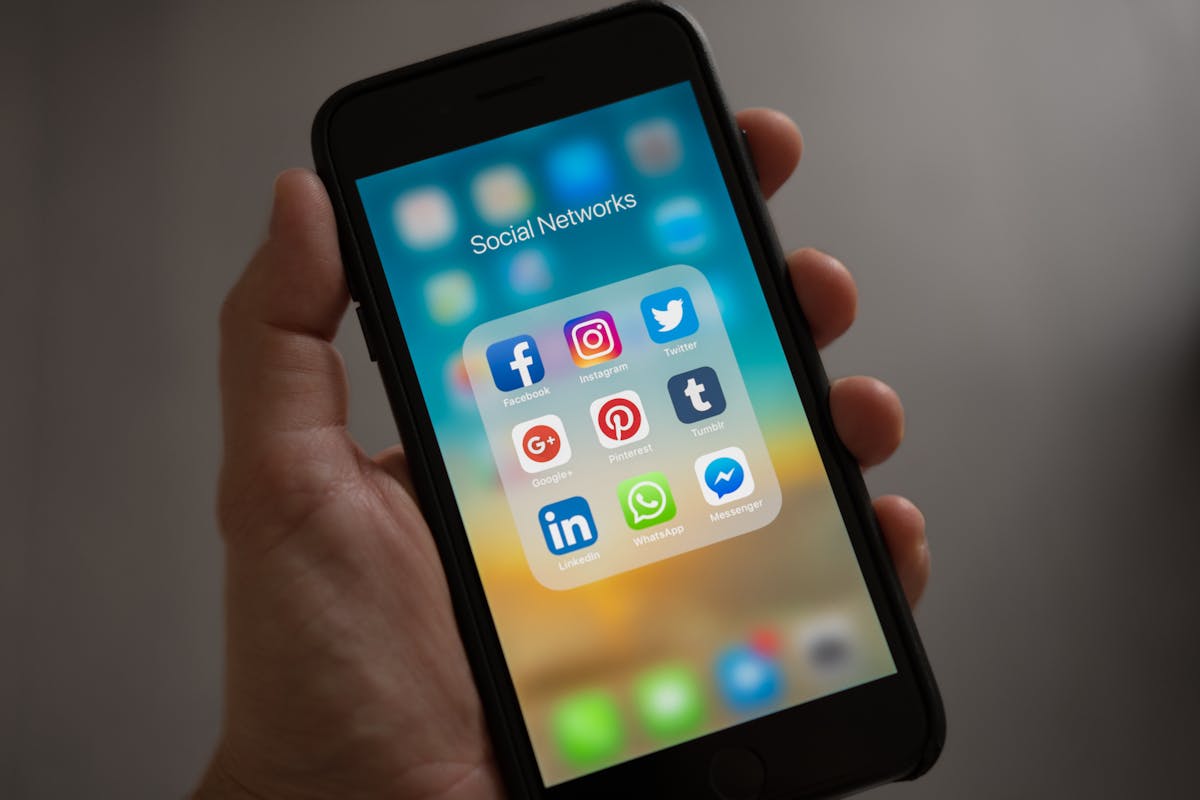
Accessibility beyond the desktop.
Customers browse from phones, tablets, laptops, and larger displays. We aim to support layouts and interactions that adapt to different screen sizes and input methods.
Responsive Layouts
Content should reorganize across screen sizes without obscuring essential text or controls.
Touch-Friendly Controls
Buttons, links, and selections should be reasonably easy to identify and activate on touchscreens.
Device Accessibility Settings
Built-in features such as screen magnification, voice control, and mobile screen readers can support different browsing needs.
Orientation & Zoom
We aim to reduce unnecessary restrictions that interfere with viewing content in preferred orientations or at larger zoom levels.
Accessibility is ongoing work.
Although we are committed to improving accessibility, some website content or functions may not yet work optimally for every visitor or assistive technology. We welcome reports that help us identify and address these barriers.
Potential Accessibility Barriers
- Some third-party applications or embedded services may have accessibility limitations outside our direct control.
- Certain product imagery or older content may lack sufficiently descriptive alternative text.
- Some interactive elements may behave differently across browsers or assistive technologies.
- Updates to website themes, apps, and integrations can introduce new issues that require review.
Our Improvement Approach
- Review accessibility concerns submitted by customers.
- Prioritize issues affecting navigation, product discovery, and purchasing.
- Consider accessibility when updating layouts, content, and interactive features.
- Seek practical solutions or alternative assistance when a barrier prevents access to important information.
Accessibility questions, answered.
Helpful information about browsing preferences, assistive tools, and reporting difficulties.
Can I use keyboard navigation on the website?
Many browser controls support keyboard interaction, but individual website elements may vary. If a specific navigation or shopping function cannot be operated using your keyboard, please report the page and the control involved.
Can I enlarge website text?
Most modern browsers provide zoom and text-size settings. On desktop browsers, Ctrl and the plus key, or Command and the plus key on macOS, commonly increase page zoom. Browser behavior may vary.
Does Byteviora support screen readers?
We aim to improve compatibility with screen readers through meaningful page structure, descriptive labels, and alternative text. We cannot guarantee that every feature currently works perfectly with every screen reader and browser combination.
What should I do if a product image is difficult to understand?
You can request clarification about a product's appearance, specifications, or compatibility from our customer support team. Include the product name or page address to help us identify the item.
How do I report an accessibility problem?
Share the page address, a brief description of the issue, the device and browser you were using, and any assistive technology involved if you are comfortable providing that information. You do not need to disclose a disability or medical condition.
Does this statement certify WCAG compliance?
No. WCAG 2.2 Level AA is referenced as a guide for improvement. This statement is not a claim of full conformance or a certification that the entire website has passed an accessibility audit.
Can I request assistance before placing an order?
Yes. Our support team is available 24/7 to help clarify product details and purchasing information. If a website barrier prevents you from accessing important information, please describe the difficulty so we can explore available assistance.
Help us make access better.
We welcome feedback about barriers you encounter on Byteviora. Please include the affected page, the difficulty experienced, and your preferred way to receive a response. Our customer support team is available 24/7 at support@byteviora.lat or +1 (216) 983-3496. We will review accessibility reports and work toward an appropriate response or alternative assistance where feasible.