Product Compatibility Guide
The right accessory should fit your device, connect correctly, and perform as expected. Use this guide to understand the specifications that matter before choosing your next essential.
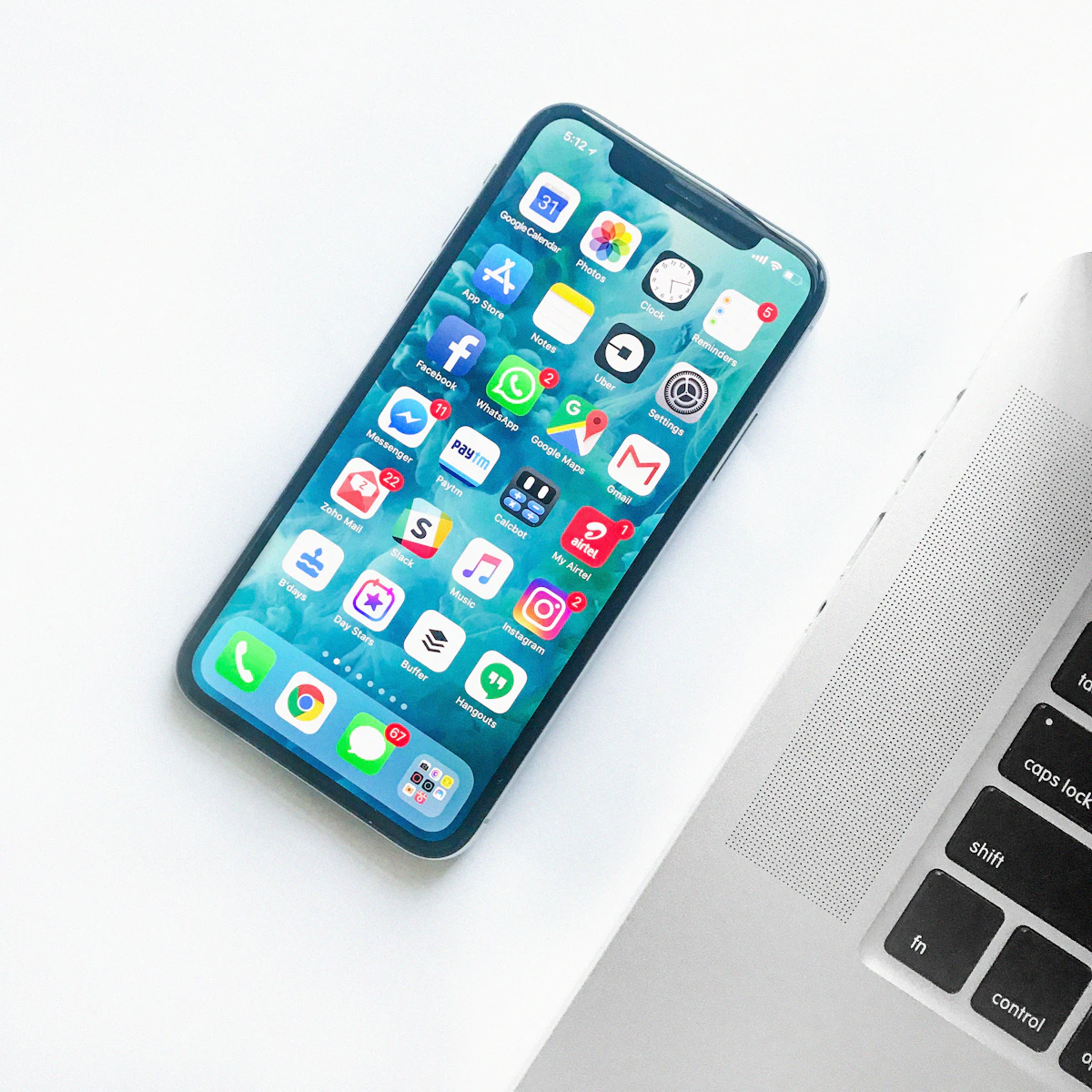
Four checks before you buy.
Compatibility is not determined by appearance alone. A product may look suitable while differing in dimensions, connectors, software support, or electrical requirements. These four checks provide a reliable starting point.
Exact Device Model
Find the full manufacturer and model name, including generation, size, and year where relevant.
Ports & Standards
Check USB type, wireless protocol, audio connection, and required adapter specifications.
Power & Features
Confirm charging wattage, supported functions, device capabilities, and operating requirements.
Product Specifications
Compare the product listing against your device manufacturer's documentation before ordering.

A precise fit changes everything.
Phone cases, screen protectors, stands, and holders require more than a matching brand name. Even closely related devices may have different camera layouts, button positions, display shapes, or physical dimensions.
- Cases and covers: Match the exact model designation, including Plus, Pro, Max, Ultra, or other variant names.
- Screen protectors: Confirm screen dimensions, display curvature, camera cutouts, and any fingerprint-sensor requirements.
- Phone stands: Check supported device width, weight, orientation, and stability when used with a case.
- Magnetic mounts: Verify whether the device or case supports the required magnetic alignment system.
The compatibility matrix.
A quick reference for the product categories you may be exploring. Use it alongside the specifications shown on the individual product page.
| Product Category | What to Verify | Common Compatibility Issue |
|---|---|---|
| Phone Cases & Covers | Exact device model, camera shape, buttons, dimensions. | Different generations or model variants may not share the same fit. |
| Screen Protectors | Display size, screen curvature, sensor support, cutouts. | Incorrect alignment or reduced sensor functionality. |
| Stands & Holders | Device dimensions, supported weight, mounting surface. | Insufficient grip or stability for larger devices. |
| Wireless Chargers | Charging standard, device support, alignment, power input. | Charging may be unavailable or slower than expected. |
| Power Banks | Output ports, wattage, charging protocols, cable type. | Power output may not meet the device's requirements. |
| Wireless Audio | Bluetooth support, pairing requirements, supported features. | Some advanced controls or codecs may not be supported. |
| Smart Home Devices | Wi-Fi band, hub requirements, platform, voltage. | Device may not connect to the intended home network. |
| Smartwatch Accessories | Watch series, case size, lug design, connector type. | Bands and cases may fit only specific watch generations. |
| Keyboards & Mice | Operating system, Bluetooth or receiver, device support. | Special keys or software functions may vary by platform. |
| USB Hubs & Adapters | Host port capabilities, data speed, video output, power. | A matching connector does not guarantee all features work. |
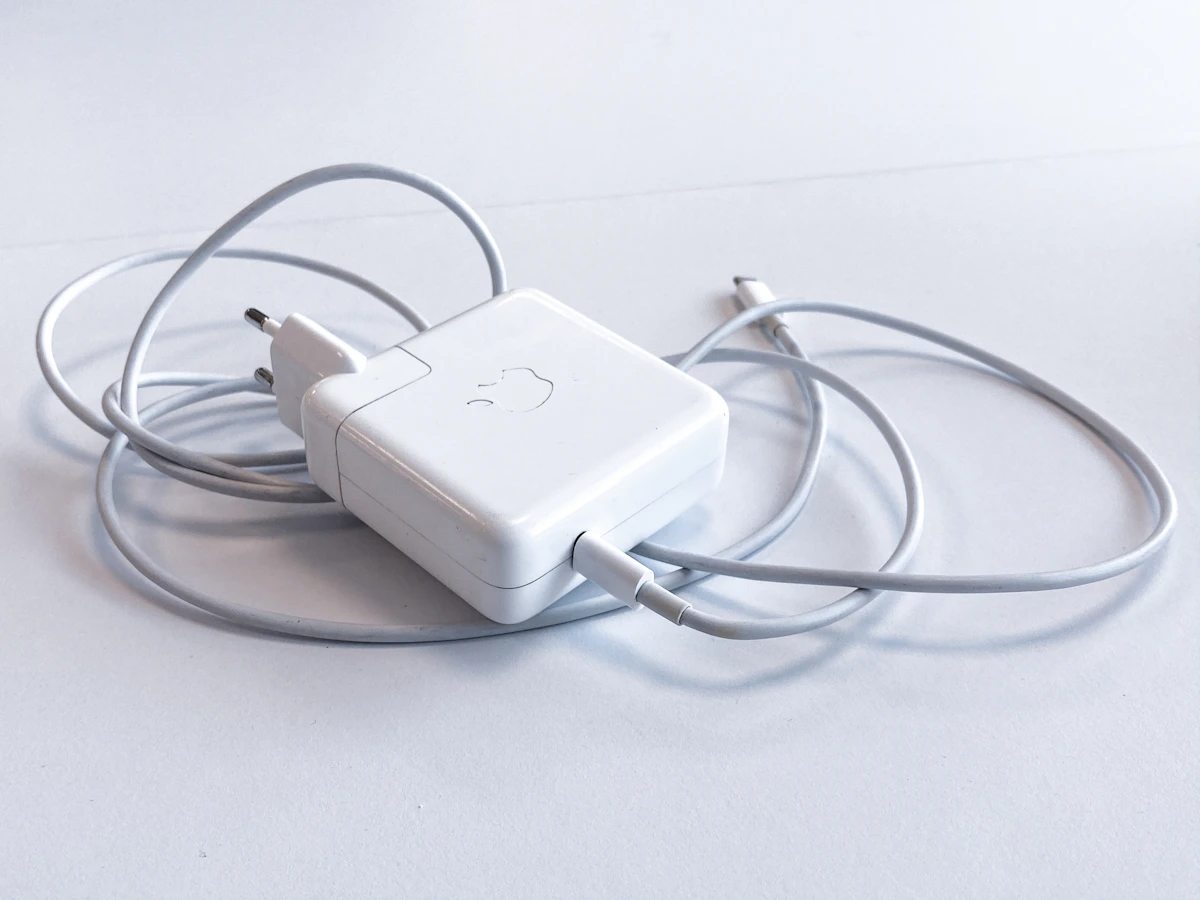
Power is more than a plug.
A charger can physically connect to a device without delivering its maximum supported charging speed. Power requirements, cable capabilities, and charging standards all affect performance.
Identify USB-C, USB-A, Lightning, or another required connection type. Some accessories use proprietary charging contacts.
Compare output voltage, current, and wattage with the device's supported charging specifications.
Check whether the charger, cable, and device support the same fast-charging protocol, such as USB Power Delivery.
Confirm compatible wireless charging standards, alignment requirements, and any limitations caused by case thickness or materials.
Compare rated capacity, usable output, device requirements, and the number of charging ports you need.
Connected does not always mean compatible.
Bluetooth, Wi-Fi, USB, and smart-home platforms each have their own technical requirements. A successful connection is only the first part of the experience.
Wireless Earbuds & Headphones
Check pairing support, device operating system, audio codec availability, microphone features, and companion-app requirements.
Portable Bluetooth Speakers
Confirm the source device supports Bluetooth audio and check whether multi-speaker pairing requires a specific brand or model family.
Smart Lighting & Plugs
Review supported Wi-Fi frequencies, smart-home ecosystems, regional electrical specifications, and hub requirements.
Security Cameras & Sensors
Verify network requirements, app compatibility, installation conditions, power source, and whether a dedicated hub is necessary.
USB Hubs & Wireless Peripherals
Check host operating system, port data capabilities, external power needs, video support, and wireless receiver requirements.
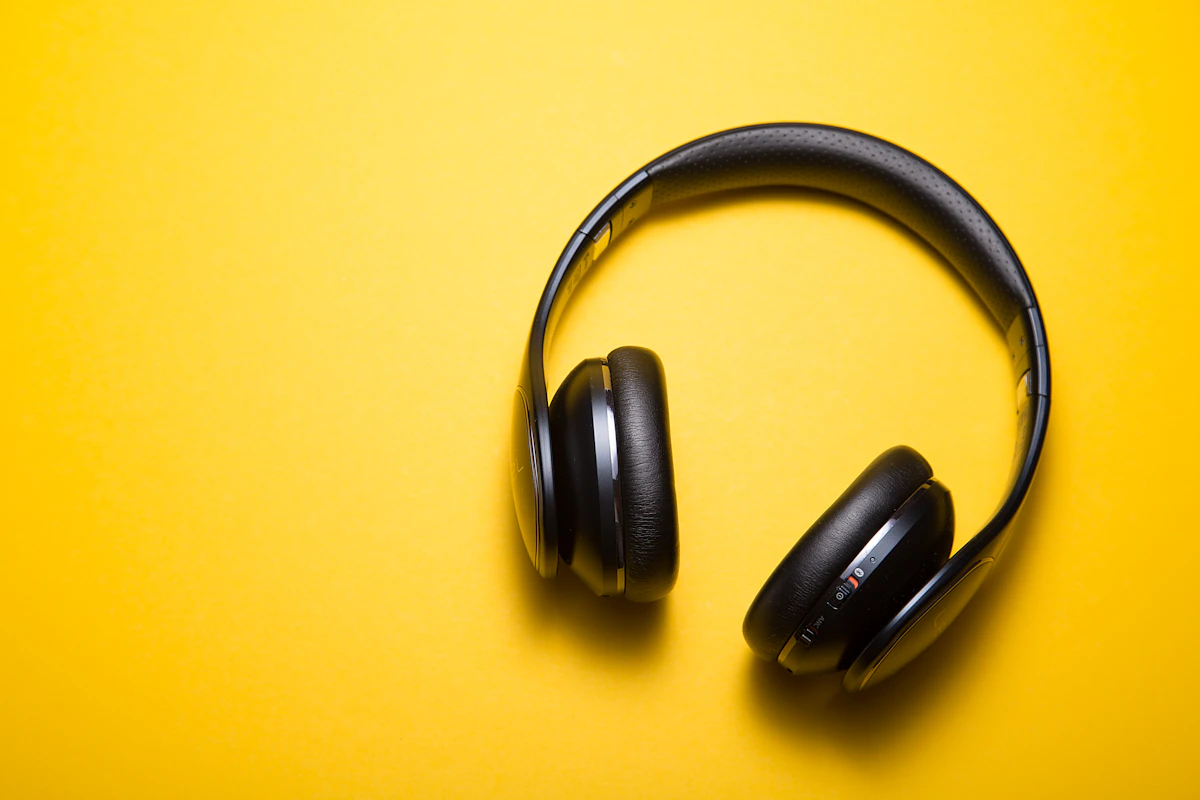
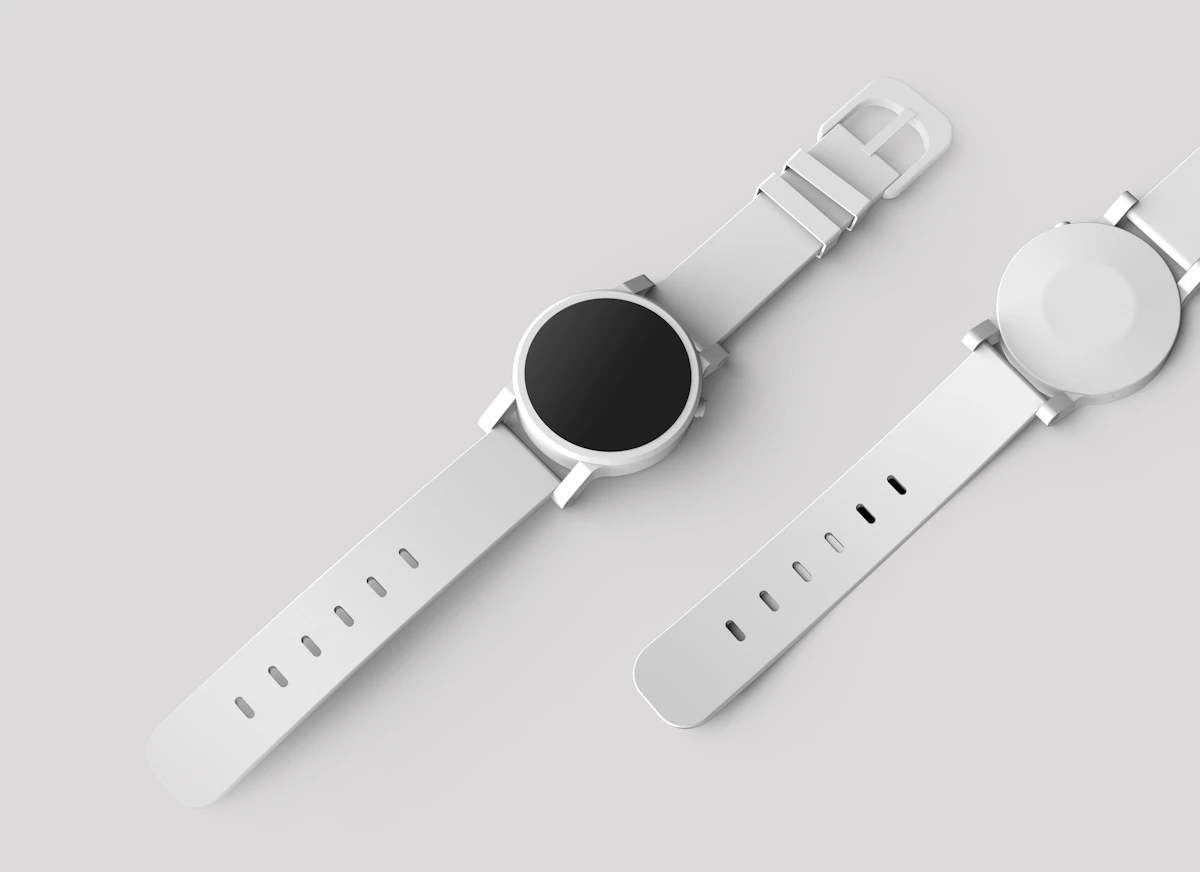
Small details define the fit.
Smartwatches and their accessories can look nearly identical while using different connectors, dimensions, software platforms, or charging systems.
Watch Model & Generation
Identify the precise watch model and series before selecting a protective case, charger, or replacement band.
Case Size & Attachment
Check the watch case measurement and band attachment mechanism, not just the advertised strap width.
Phone Pairing Requirements
Confirm the watch supports your phone's operating system and version, along with any required companion app.
Charging Compatibility
Verify the watch's charging connector, magnetic arrangement, and manufacturer-supported power requirements.
Your final compatibility check.
A few minutes of verification can prevent an incorrect purchase. Work through these steps whenever a product has device-specific requirements.
Review the Reference ↗Find the Model Number
Look in your device settings, original packaging, or manufacturer documentation for its exact identifier.
Read the Product Listing
Review dimensions, supported models, connectivity, charging standards, and any exclusions.
Confirm the Requirements
Check whether additional cables, software, hubs, adapters, or power supplies are required.
Resolve Uncertainty
If compatibility is unclear, ask for clarification before completing the purchase rather than relying on appearance alone.
Compatibility questions.
Answers to common questions about selecting the right accessories and connected devices.
How do I find my exact phone model?
Open your phone's settings and look for a section such as About Phone, About Device, or General > About. The full model identifier may also appear on the original packaging or in the manufacturer's account portal.
Will a case for one phone generation fit another?
Not necessarily. Even when two phones have similar screen sizes, differences in camera placement, button positions, dimensions, and port openings can prevent a proper fit. Choose accessories that explicitly list your exact model.
Does a USB-C connector guarantee compatibility?
No. USB-C describes the connector shape, but data transfer speed, video output, charging power, and other features depend on the capabilities of the host device, cable, and accessory.
Can I use any wireless charger with my phone?
Only if the charger and phone support compatible wireless charging standards. Charging speed and reliability may also depend on alignment, the power adapter, case thickness, and device-specific restrictions.
Will Bluetooth headphones work with every device?
Many headphones support standard Bluetooth audio, but pairing procedures, codecs, multipoint connections, microphone controls, and companion-app features may vary. Review the supported platforms and Bluetooth requirements.
What should I check before buying a smart-home product?
Confirm your network's supported Wi-Fi band, the product's app and operating system requirements, compatible smart-home platforms, any hub dependency, and regional voltage specifications where applicable.
Are smartwatch bands universally interchangeable?
No. Band compatibility depends on the watch model, case size, attachment design, and sometimes generation. Use the manufacturer's sizing information and the accessory's listed supported models.
What if I receive an incompatible accessory?
Byteviora offers free returns and exchanges within 30 days, subject to the applicable return conditions. Keep the product packaging and order information, and contact support for assistance with the return or exchange process.
Still unsure about compatibility?
Our support team is available 24/7 to help clarify product information. Share the accessory you are considering and your device's exact model number. Email support@byteviora.lat or call +1 (216) 983-3496.