Buying Guides
Great purchases begin with the right questions. Discover how to compare features, understand compatibility, assess everyday performance, and choose accessories that genuinely fit the way you live, work, and move.

The four essentials of a smart purchase.
Specifications matter, but context matters more. These four checkpoints help you move beyond product descriptions and focus on real-world suitability.
Confirm Compatibility
Check exact device models, connector types, operating systems, dimensions, and supported standards before purchasing.
Define Your Priorities
Decide whether portability, protection, sound quality, charging speed, or convenience matters most to your routine.
Evaluate the Details
Look beyond appearance to materials, construction, useful features, safety information, and manufacturer specifications.
Think Beyond Price
Consider expected use, durability, ease of maintenance, and whether the product offers features you will actually use.

Choose protection that fits.
Your phone accessories should work together without adding unnecessary bulk or limiting the features you use most. Begin with fit, then evaluate protection, comfort, and daily practicality.
Phone Cases & Covers
Verify the exact phone model, camera opening, button alignment, charging access, and compatibility with wireless charging or magnetic accessories.
Screen Protectors
Compare tempered glass and film options, screen coverage, installation method, touch sensitivity, and fingerprint-reader compatibility where relevant.
Phone Stands & Holders
Consider viewing angles, stability, mounting surfaces, device weight limits, and whether you need a portable or permanent setup.
Accessory Pairing
Check that your case, screen protector, mount, and charging setup can be used together without interference.
Find power that keeps pace.
Charging accessories are not interchangeable. Understanding capacity, output power, charging protocols, and device compatibility helps you select equipment that meets your needs safely and efficiently.
Wireless Charging Pads
Check supported wireless charging standards, maximum output, device alignment requirements, and case thickness limitations.
Power Banks
Compare capacity in mAh or Wh, usable output, charging ports, power delivery specifications, size, weight, and airline restrictions when traveling.
Charging Speed
Charging performance depends on the device, charger, cable, supported protocol, battery conditions, and temperature—not wattage alone.
Safety & Reliability
Review manufacturer safety information, electrical ratings, protection features, and the suitability of cables and adapters.
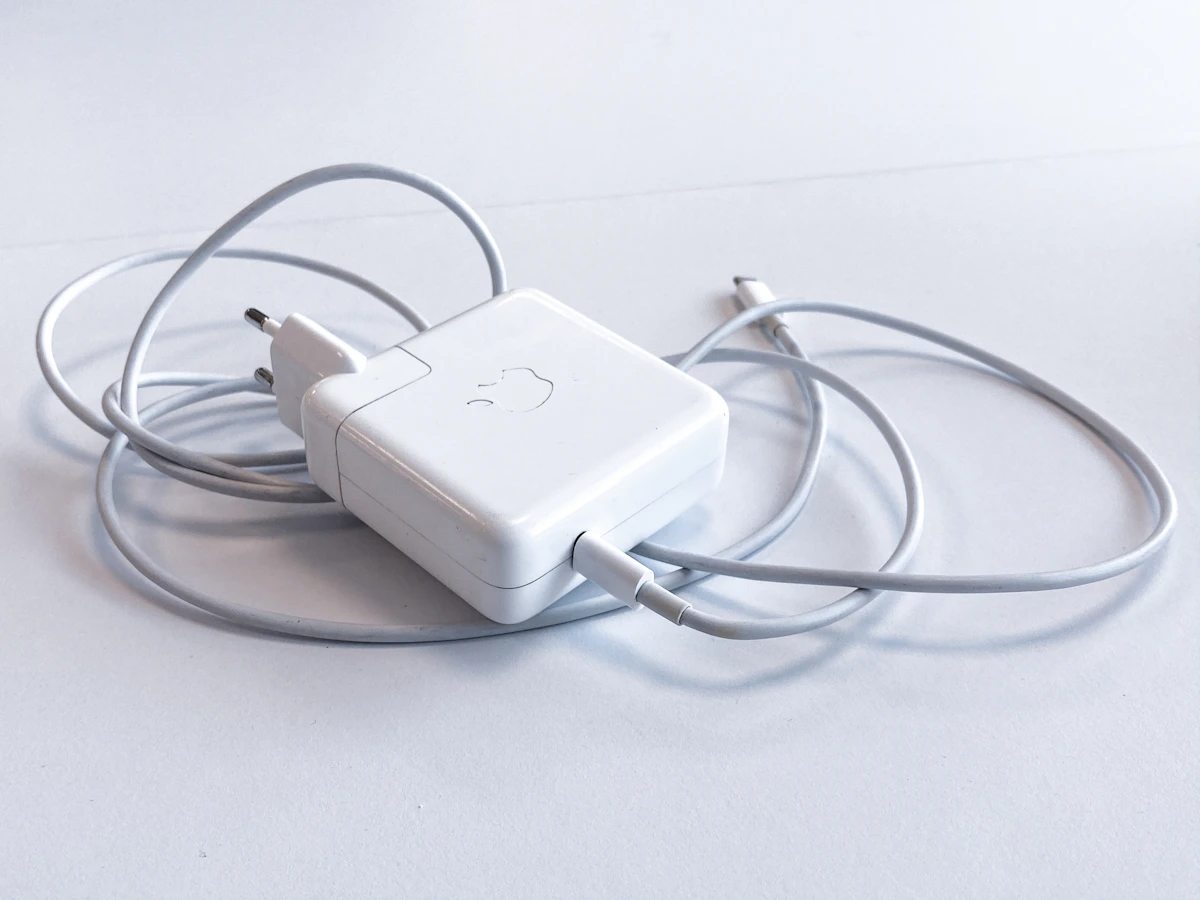

Choose your ideal sound.
The right audio setup depends on where you listen, how long you wear it, and what matters most: portability, comfort, immersion, communication, or shared listening.
Build a more intuitive home.
Smart-home products work best when they suit your existing network, household routines, and preferred control platform. Prioritize compatibility, installation requirements, and dependable everyday use.
Smart LED Lighting
Compare brightness, color control, strip length, power requirements, and app compatibility.
Smart Plugs
Check outlet type, electrical load ratings, scheduling features, and supported control systems.
Security Cameras
Review resolution, field of view, storage options, subscription requirements, and privacy features.
Smart Sensors
Consider detection type, installation location, battery life, network compatibility, and alert options.

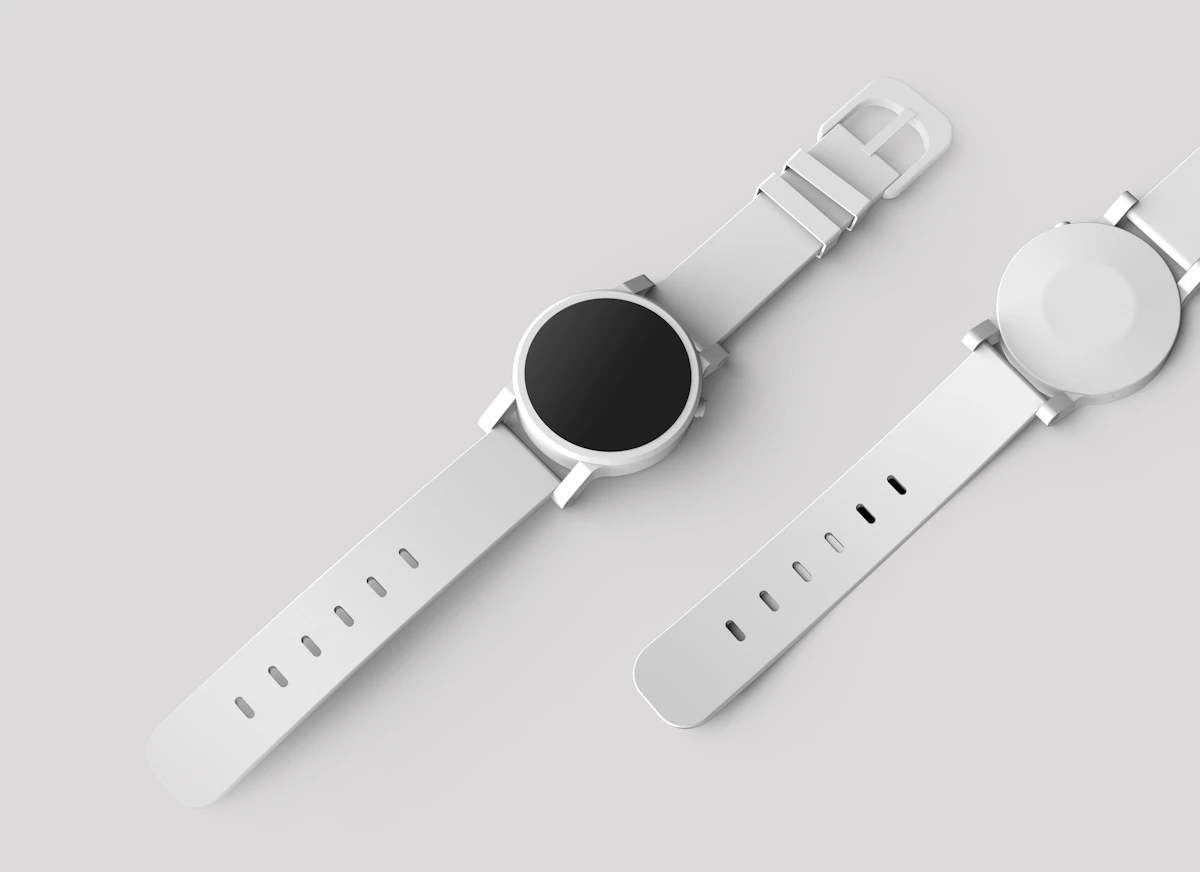
Wear technology with purpose.
A smartwatch or fitness tracker should complement your habits, not complicate them. Consider the balance between functionality, comfort, battery life, and device compatibility.
Phone Compatibility
Confirm supported Android or iOS versions, app availability, and any features limited to particular phone models.
Tracking Features
Review the specific activity, sleep, and wellness features offered. Consumer wearables should not be assumed to replace medical equipment.
Comfort & Sizing
Consider case dimensions, wrist circumference, strap material, weight, and comfort during extended wear.
Band Compatibility
Verify attachment style, lug width or proprietary connector type, and the exact compatible watch generation.
Create a setup that works.
The most effective workspace is built around your workflow. Thoughtful keyboard, mouse, hub, and adapter choices can improve comfort and connectivity without unnecessary complexity.
Wireless Keyboards
Compare layout, key travel, size, operating-system support, battery type, and Bluetooth or receiver connectivity.
Wireless Mice
Consider grip style, hand size, sensor performance, button configuration, portability, and connection method.
USB Hubs
Verify host-port compatibility, available data bandwidth, supported video output, power delivery, and simultaneous device limitations.
Connectivity Adapters
Check exact input and output standards, display resolution and refresh-rate support, and whether active conversion is required.

Compare what matters most.
Use this reference to identify the most important specifications before comparing individual products.
| Product Category | Primary Considerations | Compatibility Checks |
|---|---|---|
| Phone Cases | Protection, material, grip, thickness, button access. | Exact phone model, camera layout, wireless charging. |
| Screen Protectors | Material, clarity, coverage, installation method. | Screen dimensions, curved edges, biometric sensors. |
| Phone Stands | Stability, adjustability, portability, mounting method. | Device size, weight, case thickness. |
| Wireless Chargers | Charging standard, output, alignment, safety features. | Device wireless charging support and required adapter. |
| Power Banks | Capacity, output power, ports, weight. | Charging protocols, cable requirements, travel restrictions. |
| Wireless Earbuds | Fit, sound, microphone quality, battery life. | Bluetooth support, companion app, codec support. |
| Bluetooth Headphones | Comfort, noise cancellation, battery, controls. | Connection options, operating-system features. |
| Portable Speakers | Output, portability, battery, water resistance. | Bluetooth version, audio inputs, pairing features. |
| Smart Lighting | Brightness, color control, installation, automation. | Voltage, app, wireless network, smart-home ecosystem. |
| Smart Security Cameras | Resolution, storage, alerts, privacy, installation. | Wi-Fi requirements, power supply, platform support. |
| Smartwatches | Comfort, display, tracking, battery life. | Phone OS, supported apps, band attachment. |
| Keyboards & Mice | Ergonomics, layout, battery, connectivity. | Operating system, USB receiver or Bluetooth support. |
| USB Hubs & Adapters | Port selection, bandwidth, video, power delivery. | Host USB capabilities, display standards, cable support. |
Your pre-purchase checklist.
Before completing an order, review these six essentials. A few minutes of preparation can prevent an unsuitable purchase.
Confirm the Exact Model
Check the full device name, generation, model number, and any regional variations that affect compatibility.
Review Specifications
Verify measurements, electrical ratings, materials, included components, and supported features.
Understand the Setup
Determine whether installation requires tools, additional adapters, an application, or a compatible network.
Assess Everyday Use
Think about where the product will be used, how often it will travel, and what environmental conditions it may encounter.
Check Delivery Details
Review the delivery destination, shipping information, and estimated arrival before placing an order.
Review Return Conditions
Understand the applicable return and exchange requirements, including timelines, product condition, and supporting order information.
Buying questions, answered.
Straightforward answers to help you choose confidently and avoid common compatibility mistakes.
How do I know whether an accessory fits my device?
Check the exact device model and compare it with the compatibility information on the product page. For charging and connectivity products, also confirm supported ports, protocols, and power requirements.
Does a higher price always mean better quality?
No. Price alone does not establish quality or suitability. Compare materials, construction, useful specifications, manufacturer information, and how closely the product matches your actual needs.
What should I check before buying a wireless charger?
Confirm that your device supports wireless charging, identify the relevant charging standard, review maximum supported output, and check whether a separate power adapter is required.
How do I choose the right power bank capacity?
Consider your device battery size, expected number of recharges, portability needs, and output power. Advertised capacity does not equal the energy delivered to your device because conversion losses occur.
Are all Bluetooth accessories compatible?
Not necessarily. Basic Bluetooth support does not guarantee every advanced feature will work. Review required profiles, codecs, app support, operating-system compatibility, and manufacturer specifications.
Can any USB-C hub support an external monitor?
No. A USB-C connector alone does not guarantee video output. Your host device must support an appropriate video mode, and the hub must support the required display resolution and refresh rate.
What should I consider before buying a smart-home device?
Check the supported wireless network, control application, ecosystem compatibility, power requirements, installation conditions, and privacy or subscription features.
What if I need help selecting a product?
Byteviora customer support is available 24/7. Share the product you are considering, your device model, and the features you need so the team can help clarify available specifications.
Choose with greater confidence.
Need clarification before placing an order? Our team is available around the clock to help with product information and purchasing questions. Email support@byteviora.lat or call +1 (216) 983-3496.